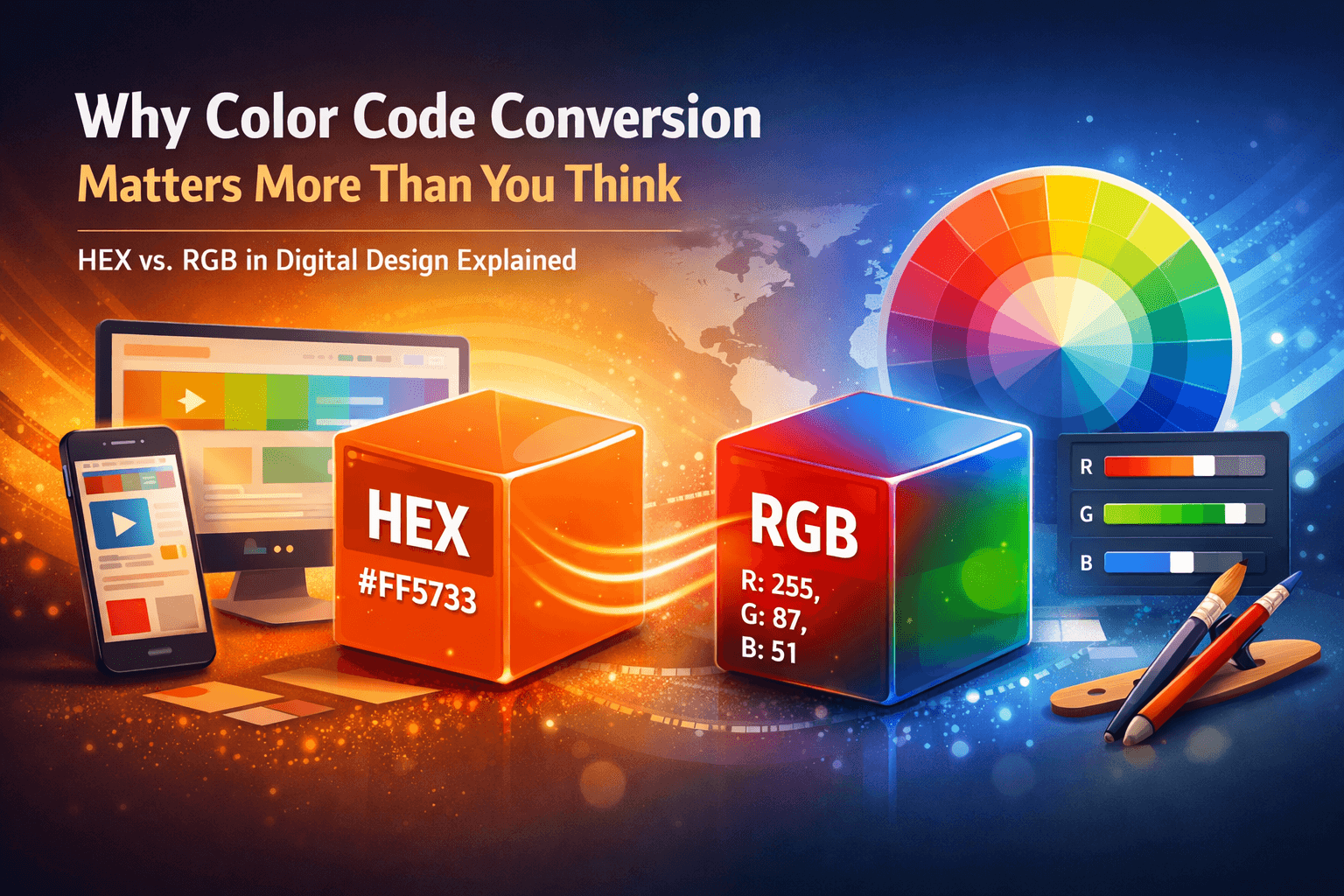
The truth is that each pixel on each screen around the globe carries some sort of color identity. Regardless of whether you’re creating your corporate website, crafting the user interface of your mobile application, or simply improving your digital artwork, the choice of colors is crucial. Two of the most commonly used color models when it comes to digital creation are HEX and RGB.
A reliable HEX to RGB Converter eliminates the guesswork, saves time, and ensures color accuracy across platforms and workflows. Coloraccy offers a precise, easy-to-use color conversion tool built for professionals and beginners alike, accessible from anywhere in the world.
This guide provides comprehensive information on both the HEX and RGB color models, the conversion method, the significance of precision during conversion, and how best to utilize the color tools provided by Coloraccy.
What Is a HEX Color Code?
The term 'HEX color code' refers to a 6-digit alphanumeric code that defines a particular color based on the RGB color model using a base-16 numbering system. The codes are always preceded by a number sign (#).
For example, the HEX code #FF5733 represents a vivid orange-red tone. The red intensity level is represented by the first pair of hexadecimal digits, followed by the green and blue intensity levels represented by the second and third pairs of hex digits.
They are more concise, easier to share, and work in all web browsers; hence, HEX code is the primary method for specifying colors in front-end coding.
Structure of a HEX Color Code
Segment | Represents | Range |
First two characters (e.g., FF) | Red channel | 00 to FF |
Middle two characters (e.g., 57) | Green channel | 00 to FF |
Last two characters (e.g., 33) | Blue channel | 00 to FF |
What Is RGB Color?
The initials RGB stand for Red, Green, and Blue. RGB is an additive color scheme where light having different shades of the three colors mentioned above can be mixed together in different amounts to form a wide variety of colors. In an RGB color scheme, the values have three numbers from 0-255.
For example, rgb(255, 87, 51) is the RGB equivalent of the HEX code #FF5733.
RGB stands for Red-Green-Blue and is the natural color mode of monitors, cameras, television sets, and other types of digital display technology. RGB is particularly essential when dealing with applications such as Adobe Photoshop and CSS styles where individual channels of colors need to be controlled.
HEX vs RGB: Key Differences at a Glance
Understanding when to use HEX and when to use RGB can improve your workflow significantly.
HEX codes are compact and ideal for CSS and HTML environments where brevity matters.
RGB values are more intuitive when adjusting individual color channels, especially in design tools.
HEX is not inherently human-readable, but RGB directly communicates the intensity of each color component.
Some web frameworks, JavaScript animations, and SVG specifications prefer or require RGB notation.
Design tools like Figma, Sketch, and Adobe XD support both formats, but their APIs and export systems sometimes default to one over the other.
This is exactly why a fast, accurate tool to color convert RGB to HEX — and vice versa — is indispensable in any creative workflow.
How Does HEX to RGB Conversion Work?
The conversion process is based on straightforward hexadecimal-to-decimal mathematics.
Step-by-Step Conversion Process
1. Extract the three pairs from the HEX code.
Given #A3C4BC, extract: A3 (red), C4 (green), BC (blue).
2. Convert each pair from hexadecimal to decimal.
A3 in hex = (10 × 16) + 3 = 163
C4 in hex = (12 × 16) + 4 = 196
BC in hex = (11 × 16) + 12 = 188
3. Assemble the RGB value.
Result: rgb(163, 196, 188)
This computation is done instantaneously when using an online HEX to RGB Converter. The user only needs to enter the HEX code, and the result will be returned almost immediately in RGB format.
Reverse Conversion: RGB to HEX
The reverse is also possible. For example, in order to get HEX from RGB, divide each decimal number into its quotient and remainder in base 16, then use them to get their equivalent hexadecimal digits.
For example, rgb(255, 99, 71) converts to:
255 → FF
99 → 63
71 → 47
Result: #FF6347 (Tomato red)
Why Accuracy in Color Conversion Matters
Color inaccuracy in digital design is more than an aesthetic issue — it can have real business consequences.
Brand consistency: A company's logo color, expressed as HEX in a style guide, must translate exactly to RGB when used in video, email templates, or native app development.
Cross-platform compatibility: Colors displayed in a web browser (HEX/CSS) must match colors rendered in a native mobile app (RGB/UIColor in iOS or Android).
Accessibility standards: Precise color values are essential when checking contrast ratios for WCAG accessibility compliance. Even a small difference in color value can fail a contrast check.
Print-to-digital handoffs: While print uses CMYK, design workflows often start in RGB. Converting accurately ensures visual coherence between mockups and live products.
The CSS Color specification from the W3C specifies that both HEX and RGB values are valid ways of representing the sRGB color space, so a proper conversion would result in the same visual output on compliant software.
Features of a High-Quality HEX to RGB Converter
Not all color conversion tools are built equally. Here is what sets a professional-grade tool apart:
Instant, Real-Time Output
The best converters update the RGB output as you type the HEX value, eliminating the need to click a convert button repeatedly.
Bidirectional Conversion
A complete tool allows you to color convert RGB to HEX just as easily as the reverse. Coloraccy supports both directions within a clean, unified interface.
Live Color Preview
Seeing the actual color swatch alongside the code values helps verify that the conversion looks correct before you use it in production.
Copy-to-Clipboard Functionality
Copying the output value at once by one-click operation for either the whole RGB value or any individual value of the channels can save precious time.
Input Validation
A reliable tool detects invalid HEX codes (e.g., missing characters, invalid characters like G or Z) and alerts the user rather than silently producing incorrect output.
Support for Shorthand HEX
Valid CSS supports three-character shorthand HEX codes like #FFF or #03C. A robust converter expands these to their full six-character equivalents before conversion.
Practical Use Cases for HEX to RGB Conversion
Web Development and CSS
CSS supports both color: #3498DB; and color: rgb(52, 152, 219);. Developers converting between these formats while inspecting existing stylesheets or collaborating with designers benefit directly from instant conversion tools.
JavaScript and Canvas API
Most JavaScript libraries that provide canvas functionality or animation capabilities use color values in RGB or RGBA formats. This conversion will ensure that your brand colors appear accurately when used in animations or charts.
Mobile App Development
The RGB model is used in iOS and Android natively through UIColor and Color in SwiftUI for iOS (float-based) and Color for Android (integer-based). HEX-to-RGB conversion from design files is an everyday job for developers.
Design Handoffs in Figma or Adobe XD
Designers often work in HEX while developers need RGBA for CSS-in-JS libraries like styled-components. Accurate conversion during the handoff stage prevents color drift.
Color Palette Creation
Sometimes, when you’re designing a design system or a color palette for your brand, you have to log the colors in several different forms at once. And that is where the HEX to RGB converter comes into play.
Common Mistakes to Avoid When Converting Colors
Even experienced designers occasionally make errors in color conversion. Here are the most frequent pitfalls and how to avoid them.
1. Forgetting the # symbol
HEX codes require the hash prefix in CSS, but some tools expect the raw six-character string. Know which format your tool accepts to avoid confusion.
2. Confusing shorthand and full HEX
#FFF and #FFFFFF are not the same string, though they represent the same color. Always expand shorthand codes before manual processing.
3. Mixing up channel order
Some legacy systems use BGR (Blue, Green, Red) instead of RGB. Always confirm the channel order when working with older software or hardware.
4. Using out-of-range values
RGB values must be between 0 and 255. If a conversion produces a value like rgb(270, 50, 300), there is an error in the source data.
5. Ignoring alpha channel
For transparent colors, HEXA (#RRGGBBAA) or RGBA (RGB with Alpha) must be used. Standard HEX to RGB converters might not support alpha unless specifically developed for that purpose.
6. Assuming HEX is case-sensitive
HEX codes are case-insensitive (#ff5733 equals #FF5733), but always standardize casing in your codebase for consistency and readability.
Related Color Conversion Tools Worth Knowing
While HEX and RGB are the most common formats for screen-based design, a complete color workflow may require conversions between other models as well.
RGB to HSL: Hue, Saturation, and Lightness is preferred in CSS for dynamic theming and color manipulation.
RGB to CMYK: Essential for print production workflows where screen colors must be adapted for ink.
HEX to HSB/HSV: Used in design tools like Photoshop for intuitive color selection.
RGB to LAB: The LAB color space is used in color science for perceptually uniform comparisons.
Coloraccy provides a suite of color tools that go beyond basic conversion, helping you work across all major color spaces with precision. You can also explore the color palette generator on Coloraccy to build harmonious color schemes directly from any HEX or RGB value.
For deeper learning about color models and web standards, the MDN Web Docs color reference and the W3C CSS Color Module Level 4 specification are authoritative resources used by web professionals worldwide.
Coloraccy: Your Trusted Color Conversion Platform
Coloraccy was created to help designers, developers, and creative individuals around the world. The website ensures that it is quick, precise, and easy to use, providing users with accurate color conversions without any advertisements or account registration.
Whether you require one quick conversion or an entire integration of your color tools within your workflow, the Coloraccy Color Conversion Tools will definitely cater to your needs. This includes everything from the HEX to RGB Converter, among many other precision tools, specifically designed for practical professional application purposes.
Conclusion: Convert Colors with Confidence Using Coloraccy
Colors have their own language. In terms of web design and development, an error of just one digit can ruin your brand identity or make your website non-accessible. A dependable HEX to RGB Converter is not just a convenience — it is an essential tool in any professional's workflow.
This guide covered all aspects related to the format of both color formats, the exact steps for converting HEX to RGB and vice versa, practical applications, qualities of the perfect color converter, and potential pitfalls that may affect color precision. For both web developers who need to include colors into CSS styles, designers working on a brand palette, or mobile application developers who must translate the designs into code, precise color conversion is essential.
For all your color conversion needs, Coloraccy offers a fast and accurate HEX to RGB Converter along with its comprehensive set of color tools.
Visit Coloraccy today to convert your first color, explore related tools, and build more consistent, accurate designs from the ground up.