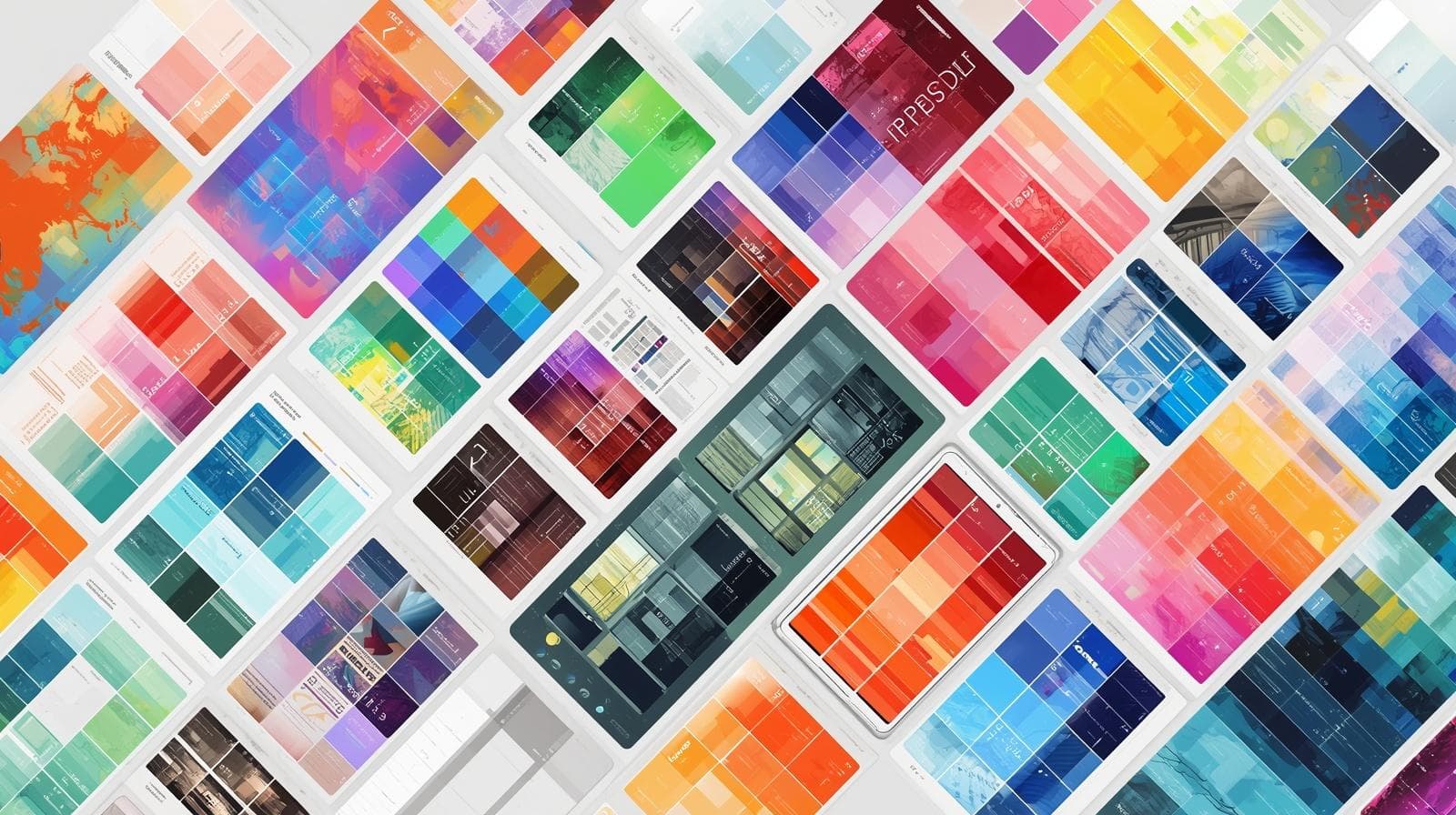
Irrespective of whether you are an experienced digital artist who works on their illustrations using an iPad or a novice who is venturing into the digital art realm, there is one undeniable truth for everyone: The choice of color palettes is essential to take your art to the next level.
Coloraccy offers an extensive range of 50+ Procreate color palettes that are available for free as well as premium pricing, catering to artists around the globe irrespective of their level of expertise. From natural earth colors to striking neon colors, from movie-inspired filmic colors to beautiful pastel-themed color palettes..
What Are Procreate Color Palettes and Why Do They Matter?
Procreate is one of the best and most potent drawing applications for creating digital illustrations; Procreate users number in millions worldwide who create their artwork using the iPad. For every good Procreate workflow, a good color palette will be required; a collection of colors that will allow you to use them immediately when needed during your artwork creation without having to think again about whether the chosen colors are appropriate.
Procreate Color Palette is a color set that is normally saved as .swatches file type. It is easily loaded into the Procreate software where you will find it under "Palettes.".
Why the Right Color Palette Elevates Your Work
One can argue that color is the most emotional component in a picture composition. Numerous studies in color psychology have proven that the colors used in a composition have a significant impact on how it will be perceived by the viewer. From the studies conducted by the Institute for Color Research, it is known that an individual makes their subconscious assessment within the first 90 seconds – and 90% depends solely on colors.
For digital artists using Procreate, having a thoughtfully assembled palette means:
Faster workflow with no time wasted on color mixing during the creative process
Visual consistency across a series of illustrations or a client project
A more professional and polished final result
Reduced decision fatigue, which leads to greater creative focus
The Coloraccy Collection: 50+ Palettes for Every Creative Need
Our palettes at Coloraccy have been deliberately created. They are all tested to ensure that they are visually harmonious, balanced in contrast, and aesthetically pleasing. The following is an explanation of the different groups available within our palette collection.
1. Nature-Inspired Procreate Color Palettes
Nature still ranks high on the list of color inspiration sources. Our nature-themed color palettes include those taken from forests, seas, deserts, and flowers. Picture forest green hues with amber accents or coastal blue hues with sand colors. These can be used for botanical illustrations and landscapes.
2. Pastel and Soft Aesthetic Palettes
Soft, muted pastels continue to dominate digital illustration trends. Our pastel palette collection includes dreamy pinks, lavender blues, peach tones, and creamy whites — perfect for character illustration, children's book art, and lifestyle branding projects.
3. Dark and Moody Color Schemes
For any artist who is into dramatic, cinematic, or gothic style of artwork, our dark colors are perfect for creating shades of charcoal black, deep burgundy reds, forest green and midnight blue.
4. Retro and Vintage-Inspired Palettes
Vibrant color combinations from the decades of the seventies, eighties, and nineties have become very popular once again in digital art. Some of our vintage colors include terracotta, faded yellow, dusty rose, and brown.
5. Vibrant and High-Contrast Palettes
If you need colors for something that needs to be seen — social media images, graphic posters, or lively characters — then you will love our wide range of colors, which includes bright neons, vivid blues, reds, and greens.
6. Skin Tone and Portrait Palettes
Portrait painters are well aware of how important it is to have an appropriate selection of skin colors available to them. Coloraccy provides unique skin tone palettes that include various undertones and tones, ranging from porcelain to ebony, making it easier for artists to paint their portraits.
7. Seasonal and Holiday Palettes
From warm autumnal hues of orange to cold wintry shades of blue, from fresh spring flowers to blazing summer sun — our seasonal color palette enables you to remain artistically attuned to the season and quickly fulfill client requests.
8. Minimalist Monochrome Palettes
Sometimes less is more. Our monochrome and limited-palette collections feature single-hue variations that challenge artists to work with restraint and intention — ideal for editorial illustration, graphic novels, and conceptual work.
Free vs. Premium Procreate Color Palettes: What Is the Difference?
Coloraccy offers both free and premium palettes, and understanding the difference helps you decide which investment makes sense for your creative practice.
Free Procreate Color Palettes
Our palettes are free swatches files that work perfectly and can be downloaded for free and used in Procreate. They will be great for people looking to start playing around with new color schemes.
Free palettes at Coloraccy include:
A rotating selection of seasonal and trending palettes
Introductory nature and pastel collections
Community-favorite classics updated regularly
Premium Procreate Color Palettes
Our premium palettes are crafted with deeper research, greater aesthetic refinement, and broader range. Premium bundles often include:
Extended swatch counts (20–30+ colors per palette)
Multiple coordinating palettes within a single theme
Exclusive limited-edition collections
Color reference cards for print use
Priority access to new releases and bundle deals
For professional illustrators, surface pattern designers, and creative agencies, premium palettes offer a measurable return on creative investment through time saved and quality delivered.
How to Install Procreate Color Palettes from Coloraccy
Getting your new palettes into Procreate takes less than a minute. Here is a simple step-by-step process:
Download your chosen .swatches file from Coloraccy to your iPad.
Open Procreate and create or open any canvas.
Tap the Color Circle in the top-right corner of the screen.
Select the Palettes tab (the grid icon at the top of the color panel).
Tap the "+" icon and choose "Import" from the dropdown.
Navigate to your downloaded file and tap it to import.
Your new palette will now appear in your Palettes list, ready to use.
If you are importing via Files app or directly from a browser download, the process is equally seamless. Procreate's import system is designed for quick workflow integration.
How Professional Artists Use Color Palettes Strategically
Being aware of how to use the color palette is equally crucial as possessing it. Listed below are some expert approaches adopted by professionals when dealing with hand-picked palettes in Procreate.
Stick to a Dominant, Secondary, and Accent Structure
Most effective use of color can be determined by the formula 60-30-10, which means that there will be 60 percent of the primary color (most likely neutral), 30 percent secondary color, and only 10 percent accent.
Use Palette Colors for Shadows and Highlights, Not Just Flat Areas
Novices usually commit the error of employing swatches from the palette only as flat base colors, after which they resort to black for shadows and white for highlights. The professional painter takes the shadows and highlights straight from the palette, choosing swatches that are cooler and darker for shadows and warmer and lighter for highlights.
Build Palette Families for Long-Term Projects
For illustration series, graphic novels, and branding projects for clients, consider building a "family palette" — a master palette covering all the colors you'll need to use for the job at hand. This is easily achieved by taking advantage of the premium packages provided by Coloraccy.
Common Mistakes to Avoid When Using Procreate Color Palettes
Even with a great palette in hand, a few common errors can undermine the visual quality of your work.
Using too many palettes at once. Mixing swatches from multiple unrelated palettes creates visual noise. Commit to one palette per project or illustration series.
Ignoring value contrast. A color scheme can appear pleasing within the swatches panel but fail to work in practice if all the hues have nearly identical value. Always test your scheme with the grayscale filter before settling on your design.
Relying on pure black and pure white. #000000 (black) and #FFFFFF (white) are hardly found in nature and can cause your artwork to look artificial or stark on the computer screen. Rather, use the darkest and lightest colors in your palette for shadows and highlights.
Not saving custom modifications. If you adjust palette colors during a project, save your modified version as a new palette. This protects the original and builds a personal library over time.
Choosing palettes based on appearance alone. Always consider the purpose of your artwork. A beautiful palette may be entirely wrong for the emotional tone or audience of your project. Let intent guide selection.
Procreate Color Palettes for Specific Use Cases
Different creative disciplines benefit from different palette approaches. Here is a quick reference guide:
For Character Design and Illustration
Choose palettes that have a broad range of values, skin tones to select from, and accents to distinguish between costumes and accessories. The portrait and vibrant collections by Coloraccy make great initial choices.
For Surface Pattern Design
Repeating designs require color schemes that include high contrast and few colors, mostly five to eight colors. It is here that our ranges based on seasonality and minimalism enter the picture.
For Concept Art and World-Building
Atmospheric concept work benefits from palettes with rich midtones, muted accents, and strong dark values. Our moody, cinematic, and nature-inspired collections serve this purpose exceptionally well.
For Social Media and Content Creation
Bold, high-contrast, and trend-aligned palettes perform best on digital platforms where thumbnails and previews are small. Our vibrant and retro collections are consistently popular among content creators.
Why Coloraccy Is Trusted by Digital Artists Worldwide
Coloraccy was made by creators for creators; we know the work processes of digital artists, their requirements, and needs. Each color palette in the database is selected using a complex selection procedure, taking into account such important factors as color theory, trends, and feedback from artists.
Our palette library, which currently includes more than 50 palettes, covers all types of digital illustration: from illustration and surface design to concept art and video content creation. It is intended for beginners learning how to use Procreate to experienced illustrators collaborating with renowned publishers and worldwide brands.
The access to premium quality color palettes at affordable prices is our mission. That's why we continue to develop a wide range of both free and premium palettes.
Conclusion: Build Your Color Library with Coloraccy
Color speaks your art language long before anyone starts reading it. A properly selected set of colors in Procreate is not only going to improve the way your artwork looks but make the whole design process smoother and much more pleasant.
With over 50 unique and hand-picked palettes representing various styles from delicate pastel hues to dark cinematic colors, Coloraccy provides you with the best color solutions for your design projects. No matter whether you are in search of free Procreate palettes or premium color sets to use in your commercial projects, our palette library will offer exactly what you need.
Explore our site, try out one of our free palettes, and see what a difference the right color palette can do to your art!