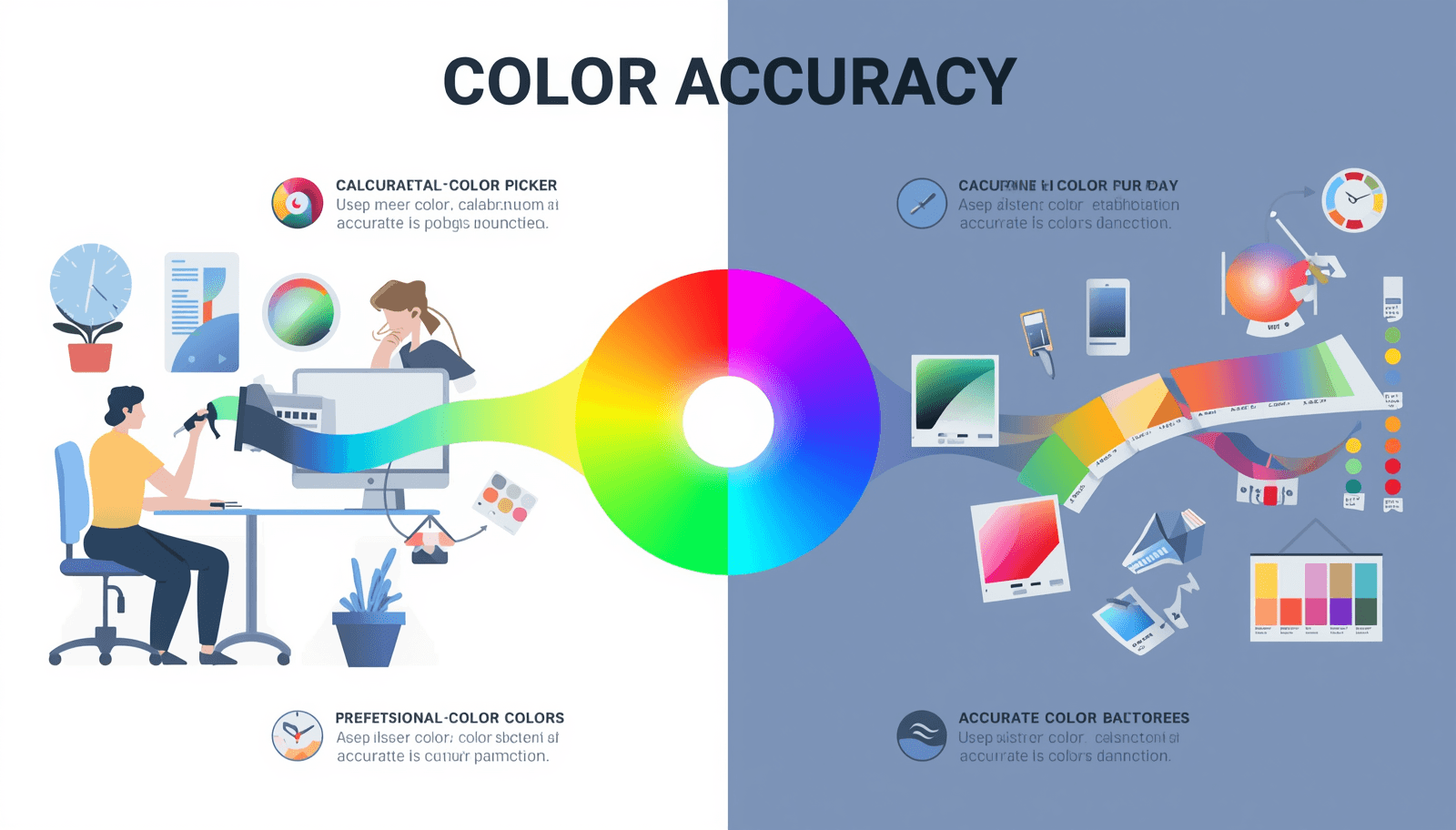
Colors are one of the strongest elements used in design. Regardless of whether you are working on branding, web design, developing an application interface, or creating a marketing campaign, colors will be an important part that defines the experience of your clients. But despite being crucial for design, colors pose one very important problem for many designers, be they amateurs or professionals.
That is exactly where a Shade & Tint Generator becomes indispensable. Rather than trying to blend your colors manually, estimating hex codes, or spending endless hours within a design application attempting to get that perfect degree of shading or tincture, a shade and tint generator does all the math for you instantaneously.
This comprehensive guide will walk you through all the essentials you need to know about utilizing the Shade & Tint Generator. Not only will you learn how to use these generators and apply color schemes, but Coloraccy has also created one of the easiest and most efficient generators to use globally.
What Is a Shade & Tint Generator?
Before diving into how to use one, it helps to understand the terminology clearly.
Shade implies the darkening of the original color by mixing it with black. For instance, a shade of blue can be navy or midnight blue.
Tint implies the lightening of the original color by mixing it with white. A tint of red, for instance, would be pink or blush.
Tone is similar to shade; however, instead of mixing the color with white or black, gray is used to create a subtle variation of the original color.
The Shade & Tint Generator is an online tool that takes the color you have chosen as a base and creates an array of colors lighter or darker than the original. This array is presented in hexadecimal format, RGB values, and HSL values and can be used right away in CSS, Figma, Adobe XD, printing, etc.
Consistent use of colors in design can make a difference of up to 80% according to Pantone Color Institute research.
Why Designers and Developers Use Shade & Tint Generators
The need for a reliable shade and tint generator extends well beyond aesthetics. Here is why professionals across industries rely on these tools daily:
Consistency Across Platforms: If you have a primary color on your brand, all buttons, backgrounds, and accents should be coherent visually. This is done using a generator to make the process systematic, not guesswork.
Accessibility Compliance: Sufficient color contrast is a requirement for web accessibility according to Web Content Accessibility Guidelines (WCAG 2.1). Color variants assist in choosing suitable color combinations without experimentation.
Speed and Efficiency: Generating 10 to 20 color variations manually in a design tool can take significant time. A shade and tint generator produces a complete palette in seconds.
Developer-Ready Outputs: Outputs in hex, RGB, and HSL formats integrate directly into CSS variables, Tailwind configuration files, design tokens, and component libraries.
Creative Exploration: Seeing a full spectrum of a color helps designers make more informed, creative decisions — unlocking combinations they might never have considered otherwise.
Step-by-Step: How to Use a Shade & Tint Generator on Coloraccy
Using the Coloraccy Shade & Tint Generator is straightforward. Follow these steps to generate a complete, professional color palette in under two minutes.
Step 1: Choose or Enter Your Base Color
Navigate to the Shade & Tint Generator on Coloraccy. You will find an input field where you can enter your base color in one of several formats:
Hex code (e.g., #3A86FF)
RGB values (e.g., 58, 134, 255)
HSL values (e.g., 217°, 100%, 61%)
You can also use the interactive color picker to visually select a hue. If you are working with an existing brand color, paste the exact hex code to ensure total accuracy.
Step 2: Adjust the Number of Steps or Levels
Most shade and tint generators, including Coloraccy's tool, allow you to control how many variations you want generated. Common options include:
5-step palettes (minimal, useful for quick projects)
10-step palettes (standard for most UI design systems)
Custom ranges for highly detailed design tokens
A 10-step palette typically includes five progressively darker shades and five progressively lighter tints of your base color, with the original sitting at the center.
Step 3: Review Your Generated Palette
The visual palette will appear after processing the input with the generator. Every swatch will come with its color codes. Make sure that the palette satisfies the following criteria:
Do the dark colors provide adequate background and text color options?
Are the light colors sufficiently subtle for hover and background purposes?
Is there a proper contrast variation in the mid-range of colors?
Take time here. The visual review is where most designers refine their choices.
Step 4: Copy the Color Values
With Coloraccy, copying color codes becomes very easy. To copy any single color code from the palette, all you have to do is click the corresponding color. You can then use this option to get the complete RGB and HSL values of colors from the expanded view.
Step 5: Export or Save Your Palette
For bigger projects, storing your palette will allow you to revisit it whenever necessary. With Coloraccy, you have the option of exporting your palette or saving it for future use. This comes in handy when working in teams where it’s essential that color consistency be maintained throughout.
Practical Applications: Where to Use Your Shade & Tint Palette
Once you have generated a palette, applying it correctly is the next skill to develop.
UI and Web Design
Colors play an important part when designing websites. For instance, creating a 10-step gradient for your brand's color will be applied to interactive states such as default, hover, active, disabled, and focused states. Using shades for buttons' background and light tints for the pages' background is an appropriate way of creating visual hierarchy.
Tailwind CSS employs exactly this approach when it comes to generating 50 to 950 values for their predefined colors. You can also create your own brand color using the same naming convention.
Brand Identity and Logo Design
With a properly constructed color scheme for tints and shades, graphic designers will have enough room for creativity such that their designs can work harmoniously when applied to dark surfaces, digital screens, or even product packaging.
Data Visualization
When designing a graph or chart, using different tints of one color is an effective way of conveying information about magnitude. This principle can be applied to choropleth maps, bar charts, or even heat maps.
Interior Design and Print
Color software is not just for computer applications. Interior decorators and print workers utilize the color wheel, shades, and tints in order to coordinate their paints, fabrics, and printed documents with digital colors, particularly for clients who require consistency between physical and digital mediums.
Common Mistakes to Avoid When Using a Shade & Tint Generator
Even with the right tool, there are pitfalls that can undermine your color work.
Ignoring Perceptual Lightness: Lightness of colors in HSL/RGB color spaces is not always consistent with visual perception of lightness by the human eye. There will be some generated steps which may not seem consistent to the eye.
Using Too Many Shades: A 20-step palette is rarely necessary and adds unnecessary complexity to a design system. Start with 10 steps and expand only if genuinely needed.
Neglecting Accessibility Testing: Generating beautiful shades means nothing if text placed on those colors fails contrast checks. After generating your palette, run it through a contrast checker such as the one available at WebAIM's Contrast Checker to verify WCAG compliance.
Forgetting Neutral Pairings: Tints and shades of the chromatic color will normally require neutral colors as accompaniments, such as gray, off-white, and near-black. The neutral color scheme should be designed along with the main color scheme.
Treating Generated Values as Final: A shade and tint generator provides an excellent starting point, not an unchangeable output. Fine-tune individual values when specific design requirements demand it.
How Coloraccy's Shade & Tint Generator Stands Out
Coloraccy was designed for the designer, developer, and creative professional. It provides a distraction-free environment where color management is easy and efficient. Among its strengths are:
Real-time palette generation with instant visual feedback
Multiple color format outputs (hex, RGB, HSL) in a single view
A curated color palette library for inspiration
Mobile-friendly design for working on any device, anywhere in the world
No account required to start generating
Whether you are a solo freelancer or part of a large design team, Coloraccy provides the precision and speed that professional color work demands.
Conclusion: Build Better Color Palettes Starting Today
Color is more than just another detail; it is an element that can influence perception, create trust, and inspire action. By using a Shade & Tint Generator, we eliminate all assumptions that are involved in working with one of the most important aspects of any project's design process.
In this article, you have been shown how to apply a shade and tint generator properly, including the following actions: adding your base color, changing the palette steps, checking your output, and applying it in your projects. In addition, you know what mistakes you should avoid when working with such generators and when it makes sense to create a structured palette of colors for your projects.
The Coloraccy Shade & Tint Generator is globally accessible and free to use at all times. The tool is aimed at modern-day designers who need to generate colors in different ways depending on their current needs.
Start generating your perfect color palette now at Coloraccy and experience the difference that precise, structured color work makes in every project you create.