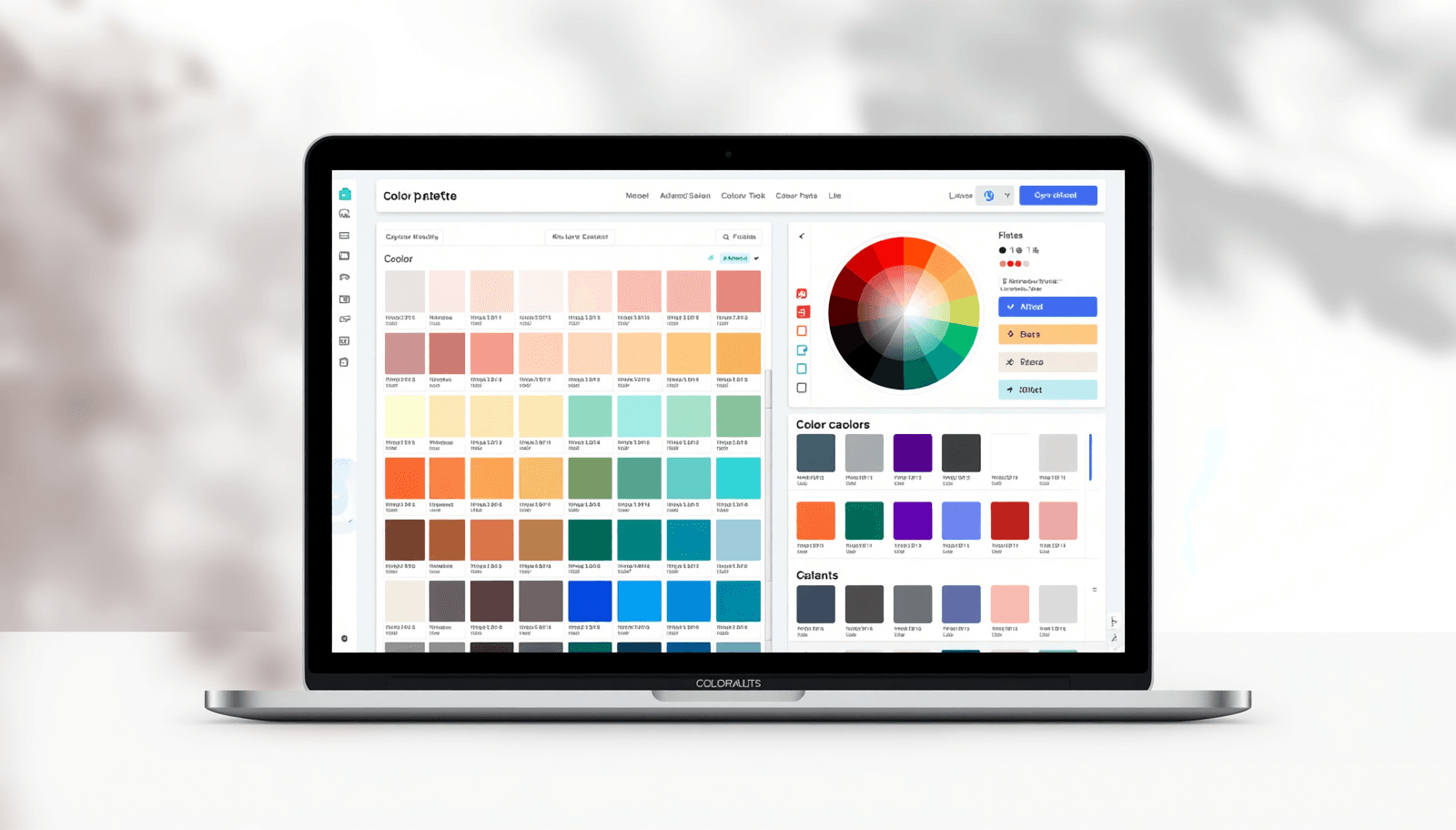
Color is one of the first things people notice — and one of the hardest things to get right consistently. Whether you are designing a brand identity, building a UI, or putting together a social media template, working without a structured color system almost always creates problems down the line.
The good news is that you do not need expensive software to build great palettes. A well-chosen color palette generator free tool gives you everything you need: color theory logic, format exports, shade ranges, and inspiration — all without spending a dollar.
This list covers 10 genuinely useful free tools, what makes each one worth your time, and which one deserves to be your go-to platform.
What Makes a Good Free Color Palette Generator?
Before jumping into the list, it helps to know what separates a useful tool from a forgettable one. The best online palette tools share a few common traits:
They apply real color theory — complementary, triadic, analogous, and monochromatic harmony rules
They export in multiple formats: HEX, RGB, HSL, and CMYK
They require no account to access core features
They offer more than one function — palette building, shade generation, image extraction, or brand documentation
A 2022 study published by the Interaction Design Foundation found that color consistency across brand touchpoints can increase recognition by up to 80%. That kind of impact makes choosing the right tool a genuinely strategic decision, not just a creative preference.
For a solid grounding in how color systems work before you start experimenting, Coloraccy's guide on color theory basics is a practical starting point.
1. Coloraccy — Best All-in-One Free Color Platform
If you only bookmark one tool from this list, make it Coloraccy. It is a full-featured color platform that combines a curated palette library, AI-assisted tools, and a suite of free utilities that cover nearly every color workflow a designer encounters.
The palette library alone is worth the visit. You can browse curated collections by aesthetic — from abstract palettes and academia-inspired schemes to acrylic textures, aesthetic vibes, and African color traditions. The palette showcase presents these in real design contexts so you can see exactly how they perform before using them.
Beyond browsing, the tool suite is exceptional. The color picker is precise and fast. The shade and tint generator builds out full tonal ranges from any base color. The complementary color finder applies color wheel logic automatically. And the random color generator is genuinely useful for breaking out of creative ruts.
For professionals working on brand systems, the brand color kit helps you define, document, and export your full palette in a structured format that clients and developers can actually use. The color format converter ensures nothing gets lost in translation between HEX, RGB, HSL, and CMYK.
The image color extractor rounds out the offering — upload any image and pull a five-color palette directly from it. This is one of the most practical features for designers working with photography, product shots, or moodboards.
Best for: Designers who want a single platform that handles palette discovery, color tool workflows, and brand documentation — all for free.
2. Coolors — Best for Fast Randomized Generation
Coolors is the most popular free color scheme maker in the design community for one simple reason: it is fast. Hit the spacebar and it generates a new five-color palette instantly. Lock any colors you want to keep and keep regenerating the rest.
The interface is minimal and the workflow is frictionless. For quick ideation at the start of a project, it is hard to beat. Export options cover most standard formats, and there is a basic color picker and contrast checker built in.
The limitations become apparent when you need more depth. Advanced features like image palette extraction, palette organization, and AI tools sit behind a Pro paywall. The free tier is useful but narrow. Coloraccy's how to work with color palettes guide is a helpful companion read for getting more out of whatever randomized results you land on.
Best for: Quick ideation sessions and early-stage concept exploration.
3. Adobe Color — Best for Adobe Ecosystem Users
Adobe Color is the industry reference for color harmony theory. It supports complementary, analogous, triadic, split-complementary, and compound harmony rules applied to a precise color wheel. There is also a solid accessibility checker that flags contrast issues against WCAG standards.
The obvious strength is Creative Cloud integration. Palettes sync directly to Photoshop, Illustrator, and XD, which eliminates manual re-entry. For teams already embedded in Adobe's ecosystem, that integration alone justifies the tool.
The friction point is the account requirement and the fact that sync features only work for paid Creative Cloud subscribers. As a standalone online palette tool, it is powerful but heavier than most tasks require.
Best for: Designers who live inside Adobe Creative Cloud and need deep integration with their main design applications.
4. Paletton — Best for Color Theory Precision
Paletton is a veteran tool built around a single purpose: applying color theory rules with precision. The interface is built around a color wheel with controls for hue, saturation, angle, and contrast. It supports monochromatic, adjacent, triad, and tetrad schemes.
What makes Paletton valuable is also what limits it. The interface has not changed significantly in years, and there is no image extraction, no palette library, and no export to design tools. But if you know what you are doing with color theory and want exact control, it delivers without distractions.
For designers interested in applying monochromatic logic more deeply, Coloraccy's guide on monochrome color palettes for minimalist UI pairs well with Paletton's harmonic precision.
Best for: Designers with solid color theory knowledge who want technical harmonic control.
5. Canva Color Palette Generator — Best for Canva-First Workflows
Canva's palette tool is the most accessible entry point on this list. Upload any image, and it generates a five-color palette from the dominant tones. No account required for basic use, and the result drops directly into any Canva design.
The limitations are significant outside of Canva's own platform. There are no manual generation controls, no shade or tint tools, no brand documentation, and no export to other design applications. It is useful as a convenience feature but does not function as a standalone color workflow tool.
Designers who frequently use both Canva and Procreate will find Coloraccy's comparison of Canva vs Procreate color workflows a useful reference for understanding how color systems translate between platforms.
Best for: Canva users who need quick image-based palette generation without leaving the platform.
6. Colormind — Best AI-Assisted Palette Generator
Colormind applies machine learning to palette generation, training on design trends, films, and art collections to produce combinations with a more distinctive, trend-aware feel. You can lock specific colors and regenerate others, and there is an image upload option for extraction.
The AI angle is genuinely interesting, and results tend to be more unexpected than standard harmony-rule tools. The weakness is limited control — you are largely at the mercy of the model's outputs. Export is minimal and there is no surrounding ecosystem of tools or resources.
Best for: Designers who want AI-assisted palette suggestions with a stylistic edge.
7. Khroma — Best for Personalized Color Discovery
Khroma takes a different approach: it asks you to select 50 colors you like, then trains a personal AI model to generate palettes aligned to your aesthetic. The result is a palette generator that learns your taste and gets more accurate over time.
The tradeoff is the setup requirement — you cannot skip the selection phase. Once trained, the tool generates palettes across multiple preview formats: typography, gradient, image, and poster. It is genuinely useful for designers who have a defined aesthetic they want to stay consistent with.
Designers building a consistent personal or brand style will find Coloraccy's brand color psychology guide a useful read alongside Khroma's personalization workflow.
Best for: Designers who want machine learning personalization and work within a consistent visual style.
8. Muzli Colors — Best for UI Design Validation
Muzli Colors lets you preview palettes inside simulated UI mockups — buttons, cards, navigation bars, and typography layouts. This is a meaningful advantage over tools that show palettes as abstract swatches. Seeing a five-color set applied to actual interface components gives you a much clearer read on whether it will work in production.
The limitation is that Muzli is primarily a preview and validation tool rather than a generation or export tool. There is no way to meaningfully customize the generation logic, and it does not export palettes to design applications.
Best for: UI and product designers who need to validate palettes in realistic interface contexts before committing.
9. ColorSpace — Best for CSS Gradient Generation
ColorSpace is a focused tool for generating multi-step gradients and palettes from a single input color. The output includes CSS code ready to paste directly into a stylesheet, which makes it especially useful for web developers.
The narrow focus is both its strength and its limit. It does gradient-based color generation extremely well, but it has nothing to offer for broader palette workflows, brand documentation, or curated inspiration browsing.
Best for: Web developers and front-end designers who need CSS-ready gradient systems built from a seed color.
10. LOL Colors — Best for Quick Duotone Inspiration
LOL Colors is a minimal, curated gallery of hand-picked two-color palettes. Each combination is presented as a full-screen swatch, and clicking copies the HEX code instantly. There are no generation tools, no export features, and no controls of any kind — just a well-curated browsing experience.
For what it is, it does the job well. The curations are genuinely tasteful and browsing through them quickly surfaces interesting combinations. But it functions only as an inspiration starting point, not a production tool.
Best for: Designers looking for quick duotone or two-color inspiration at the start of a creative brief.
How to Choose the Right Free Palette Tool for Your Workflow
With ten options on the table, narrowing it down comes to a few practical questions:
Do you need a full toolset or just a generator? If you need shade ranges, format conversion, image extraction, and brand documentation, Coloraccy is the only free tool that covers all of it.
Are you Adobe-embedded? Adobe Color's integration advantages are hard to replicate elsewhere for Creative Cloud users.
Are you building for the web? ColorSpace's CSS gradient output saves real development time.
Do you want AI assistance? Colormind and Khroma both apply machine learning, though in different ways.
For designers building out full brand systems, Coloraccy's resources on pastel color combinations, elegant minimalist colors, and Shopify color palettes provide context-specific guidance that generic tools cannot. If your work spans illustration platforms, the Procreate color palette ideas guide and the pastel color palette generator post are equally worth bookmarking.
For teams building scalable design systems, the adaptive color system guide covers how to structure palettes that flex across light mode, dark mode, and accessibility requirements.
Final Thoughts
The right color palette generator free tool does not just save time — it makes your color decisions more intentional, consistent, and defensible to clients and collaborators. Each tool on this list has its place, but for designers who want a platform that grows with their practice rather than one that handles a single task, Coloraccy is the clear choice.
Explore the full palette library, use the complementary color finder to build harmonious schemes from any color, and build out your tonal system with the shade and tint generator. Everything you need is already there — and it is free.